Tags Fieldtype
Users can enter “taggable” values, which are formatted automatically into a YAML list format. It's a lot like the list fieldtype but with a different UI.
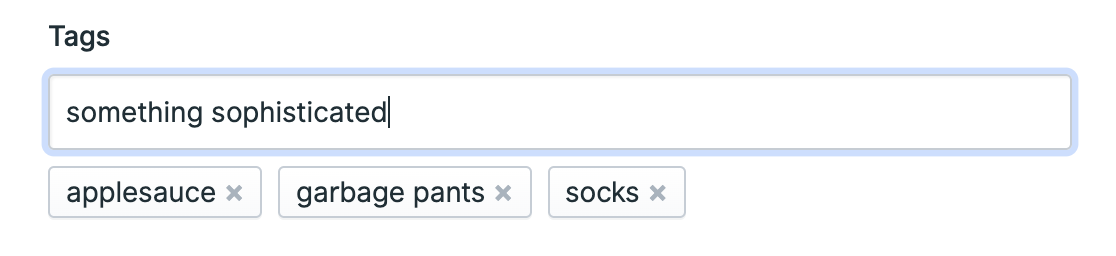
Overview#
Press enter, tab, or , to add a tag. Click an × to remove one. That's all there is to it.
Data Storage#
Your tags will get saved as a simple YAML list, like this:
- applesauce
- garbage pants
- socks
Templating#
Loop through the array items to display each item's value.
<h1>I've heard rumors of:</h1>
<ul>
  {{ tags }}
    <li>{{ value }}</li>
  {{ /tags }}
</ul>
<h1>I've heard rumors of:</h1>
<ul>
	@foreach ($tags as $tag)
		<li>{{ $tag }}</li>
	@endforeach
</ul>
<h1>I've heard rumors of:</h1>
<ul>
  <li>applesauce</li>
  <li>garbage pants</li>
  <li>socks</li>
</ul>
Hot Tip!

This fieldtype uses the word "taggable" in a generic way. If you're looking for a way to tag/categorize your content on a schema-level, you should read about taxonomies.
Docs Feedback
Submit improvements, related content, or suggestions through Github.
Betterify this page